Any campus.
Everything happening on campus.
Come on by.
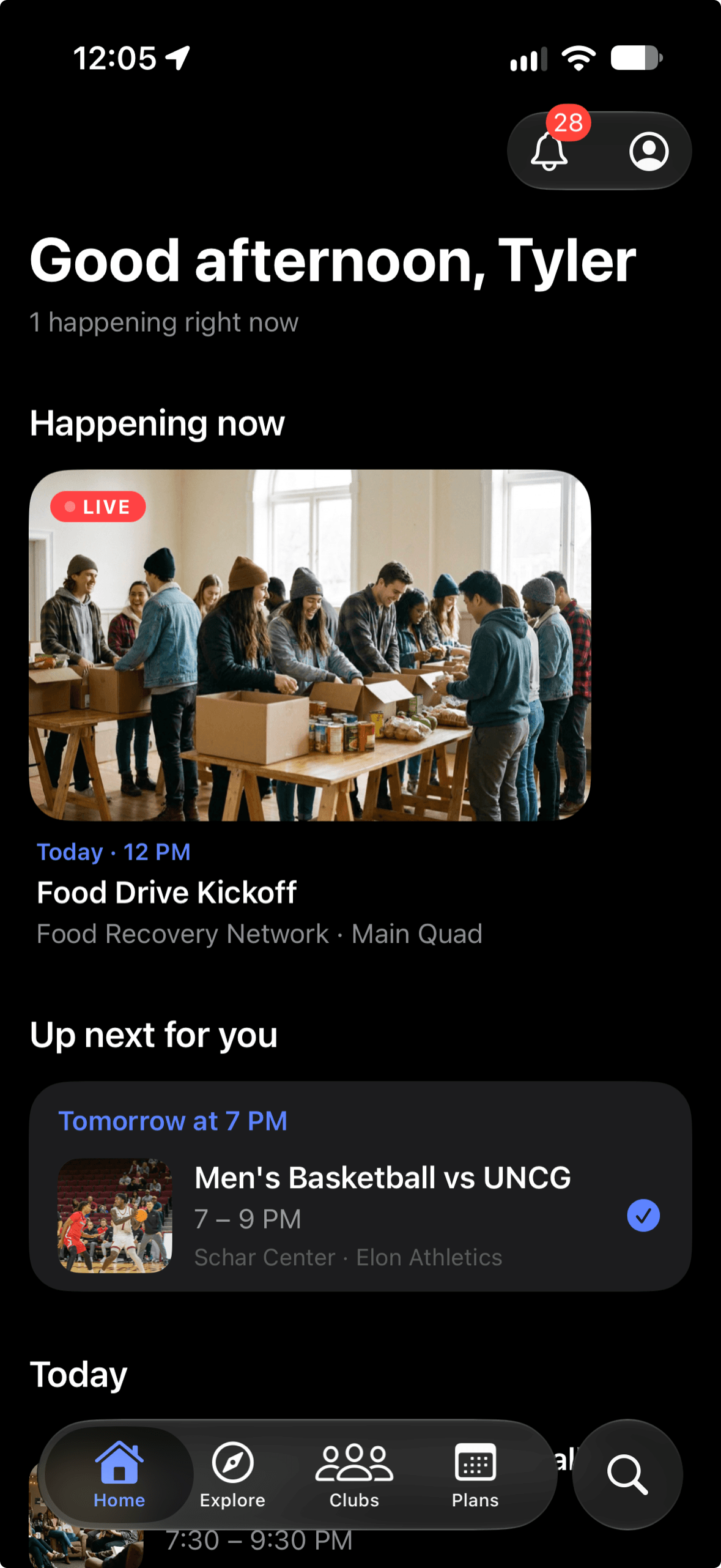
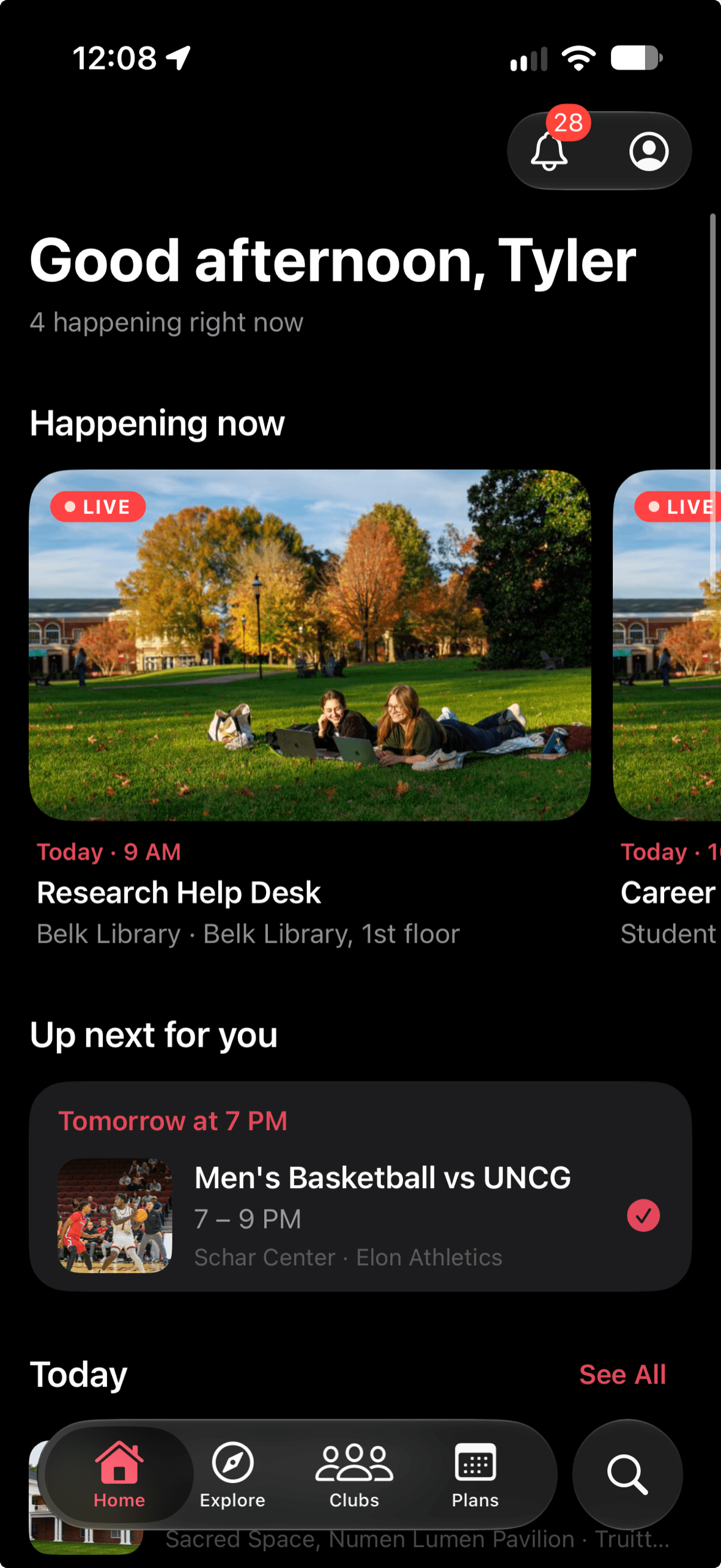
onby shows you what your orgs are doing this week and reminds you before it starts.
What it does
A feed of your orgs
Follow the orgs you care about and their events come to you, soonest first. Nothing from orgs you don’t follow.
Reminders you set yourself
Save an event and you get a nudge before it starts. Turn on the morning digest if you want one note a day with what’s on.
A map of where things are
Every event is on a campus map with walking directions, because finding the room is half the battle.
Also
- Say I’m going and see who else is in.
- Send any event to your calendar.
- Invite a friend to an event from inside the app.
- Choose which notifications you get, with quiet hours enforced on the server.
- School email only. No public profiles.
- Read only. Events come from the system your school already uses and link back to it.
If you run an org
You don’t have to do anything. Keep posting events where you already do. Students who follow you see them in onby, with a reminder before they start, and every event links back to your page. If you’d rather not be in it, tell me and your org is out the same day.
onby launches one campus at a time. If you want it at yours, find your school below and leave your email.
Getting in
- 1Sign in with your school email.
- 2Follow a few orgs.
- 3Show up.
Is onby at your school yet?
Search for your campus and pick it from the list. If it's not there yet, leave your school email and I'll get in touch.
Questions
- Which campuses is onby on?
- One at a time. Search for your school above. If it isn’t there yet, leave your school email and I’ll get in touch.
- Who can use it?
- Students at a campus onby runs on, with their school email. Signup is checked on the server, so each campus stays its own community.
- Does it cost anything?
- No. No ads, no paid tier.
- Does it replace what my school already uses?
- No. Your school’s events system is still where orgs register, post events and take sign-ups. onby reads the public events, never writes anything back, and links to the original every time.
- How does my org get on it?
- There’s nothing to set up. If your org posts public events in your school’s system and your campus is on onby, they show up. I don’t take event submissions and I won’t ask you to post twice.
- Will it spam me?
- Every notification type has its own switch, quiet hours are enforced on the server, reminders only fire for events you saved, and the morning digest is off until you turn it on.
- What do you collect?
- Public event and org information, and what you save or follow inside the app. No rosters, no attendance. You can block people and delete your account from inside the app.
- Where do I get it?
- App Store and Google Play, once your campus is on onby.
Get onby.
Free, on iPhone and Android.
One campus at a time